About this item
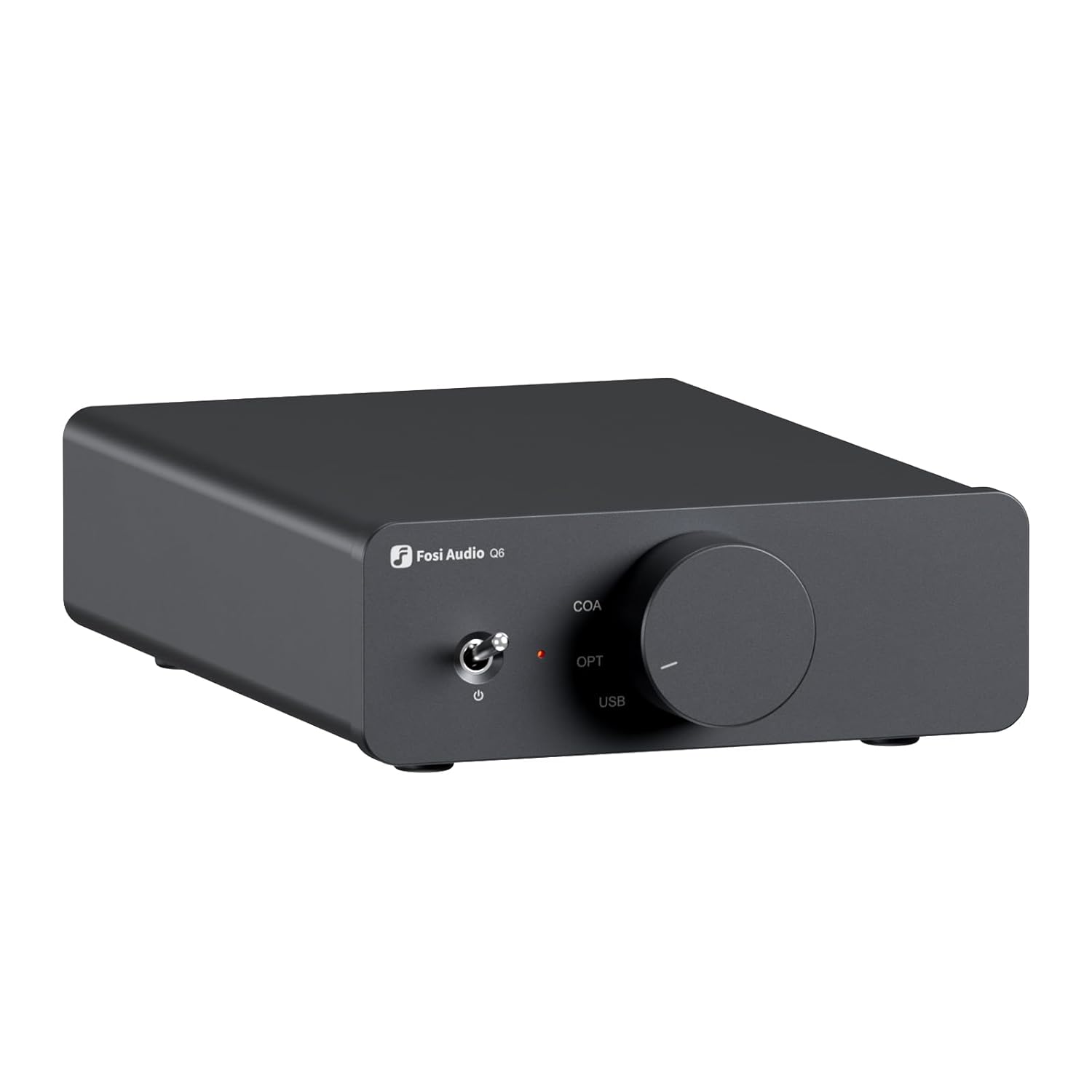
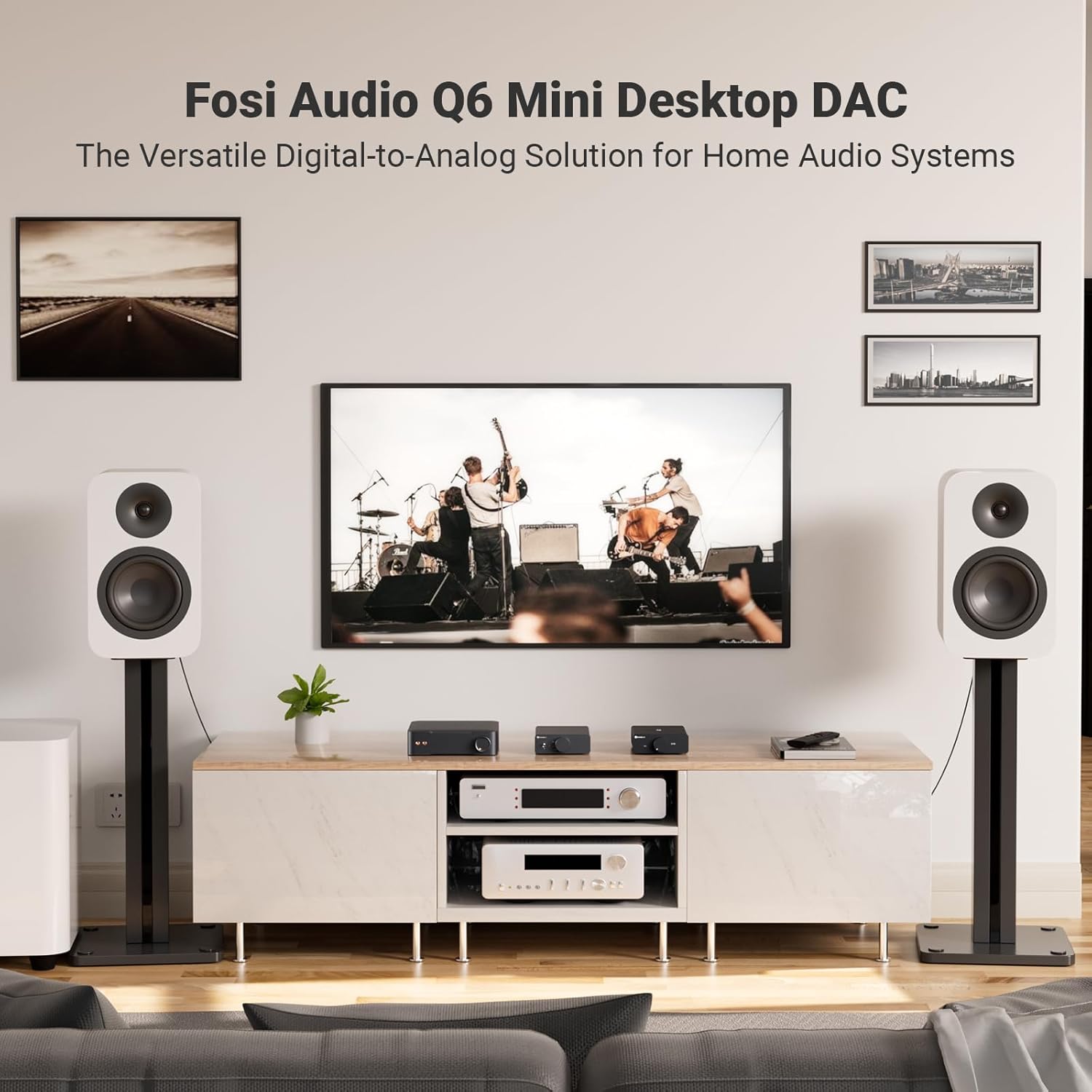
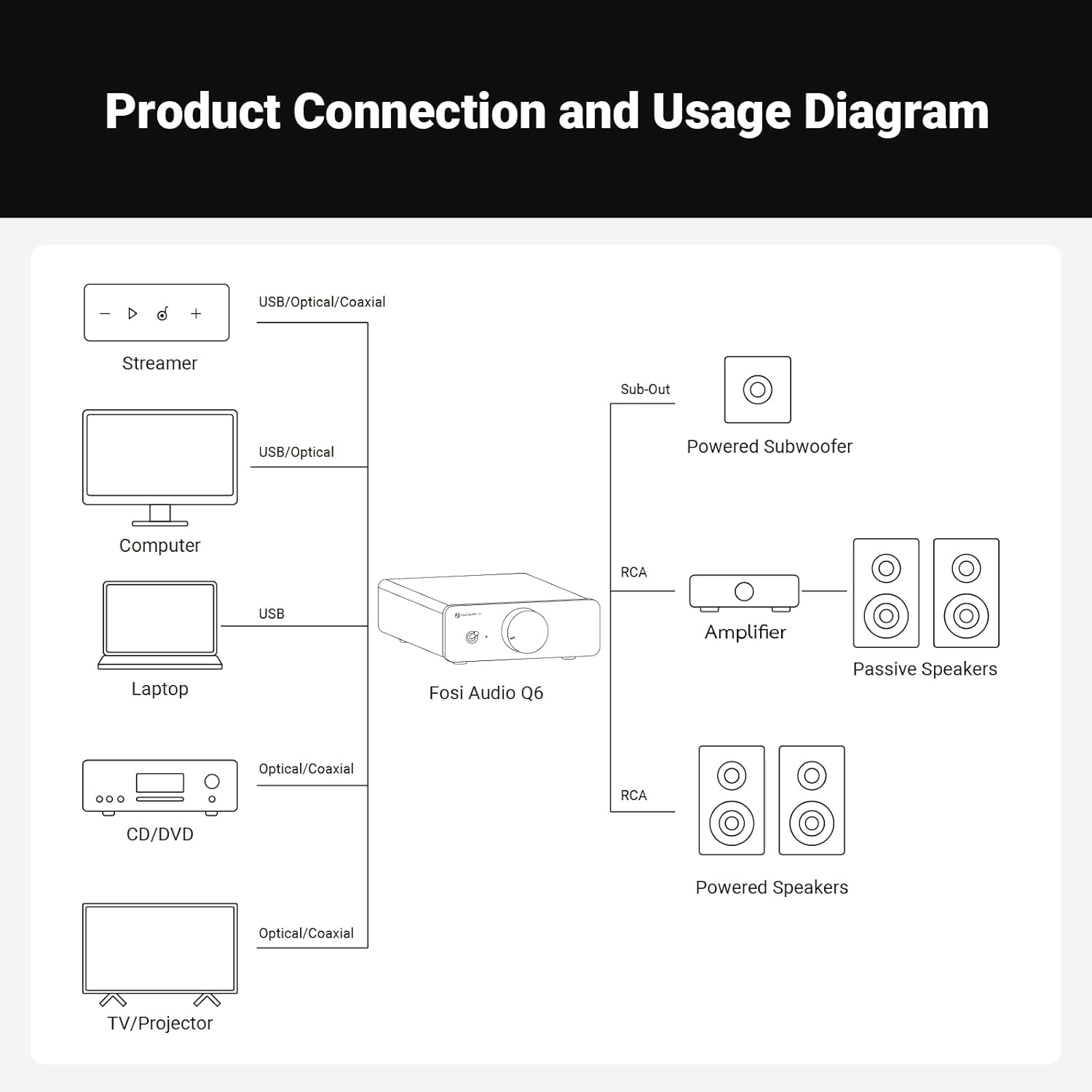
- Versatile Mini DAC: Ideal as a compact desktop external digital-to-analog converter for your streamer. CD player. computer. TV. or tablet. connecting seamlessly with home audio amplifiers. headphone amps. or powered speakers for exceptional sound quality
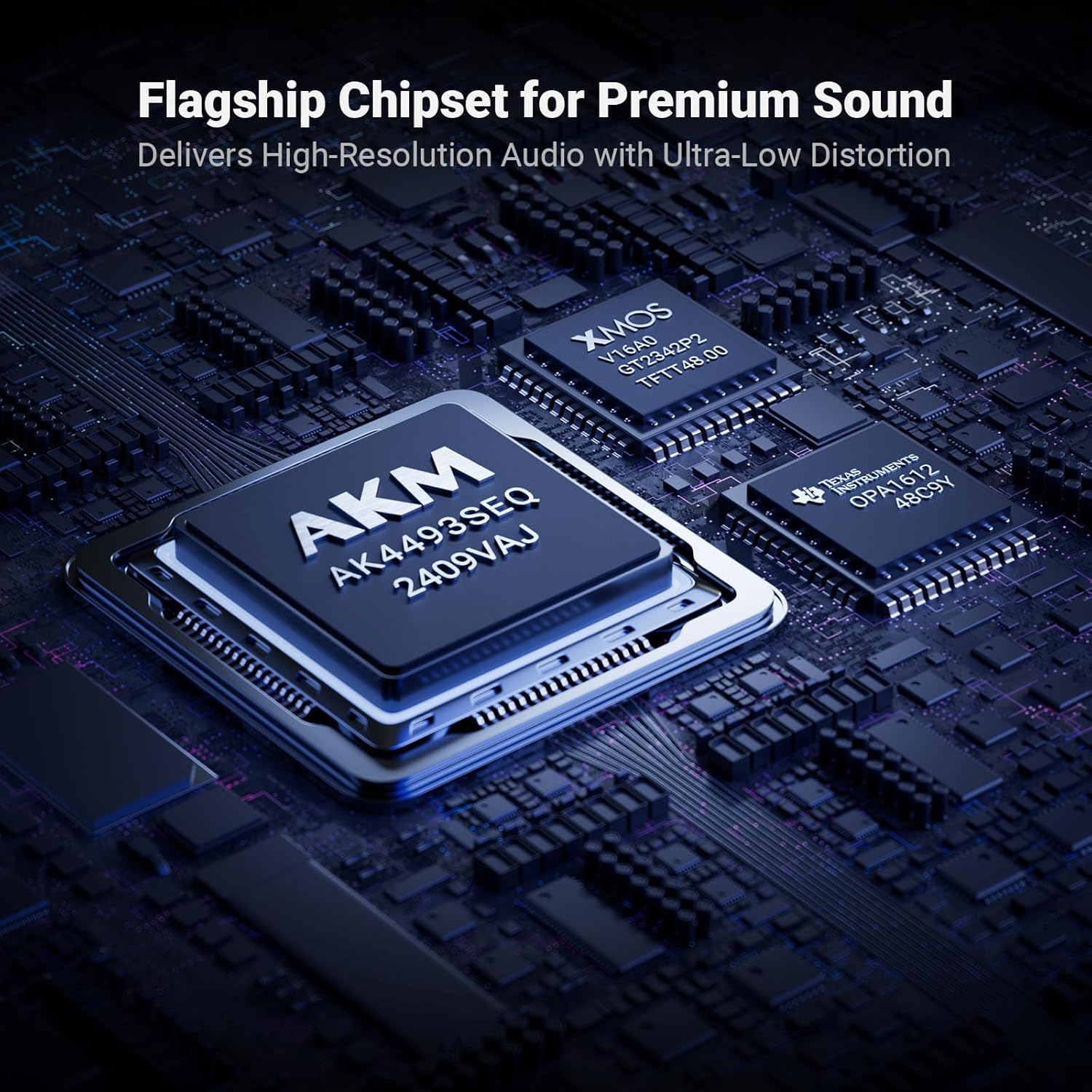
- Audiophile-Grade Chipset: Equipped with the AKM AK4493S DAC. XMOS XU316 audio processor. and OPA1612 op-amp. supporting maximum sampling rates of PCM 32bit/768kHz and DSD512. Enjoy crystal-clear audio for a truly immersive listening experience
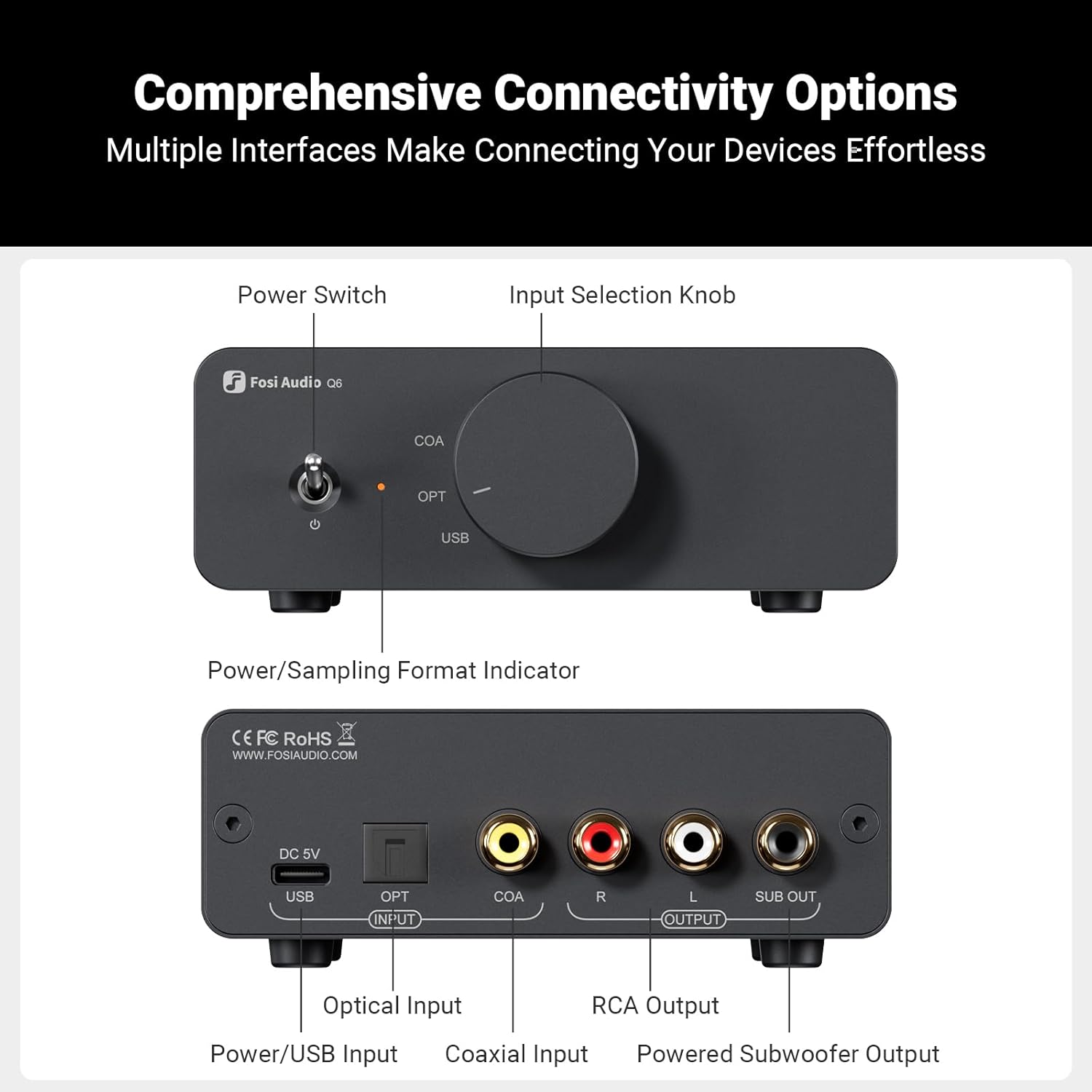
- Comprehensive Connectivity: Features Optical. Coaxial. and USB inputs. as well as RCA and Sub-Out outputs. seamlessly connecting to PCs. Macs. TVs. CD players. tablets. and more digital sources. Simple plug-and-play setup makes integration effortless
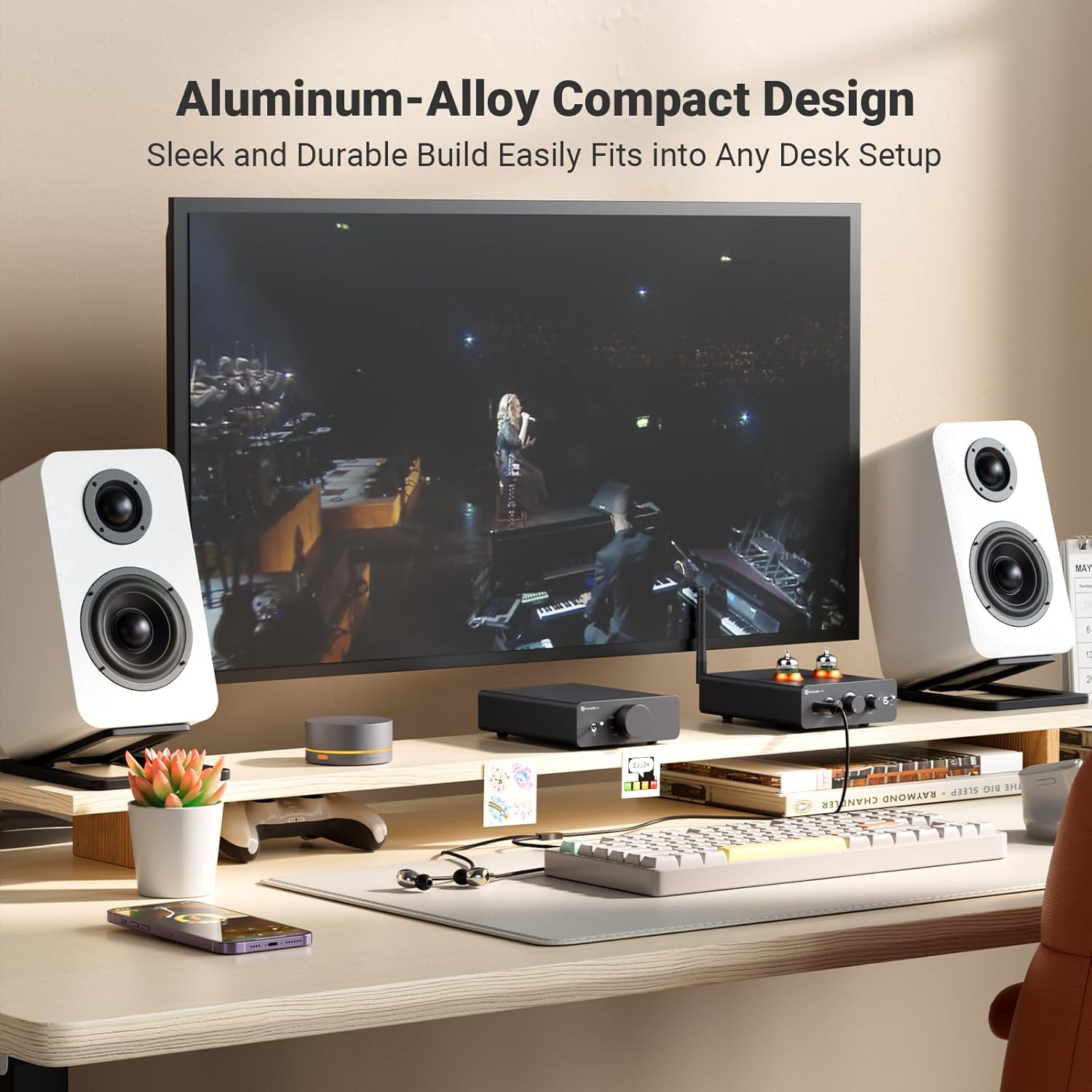
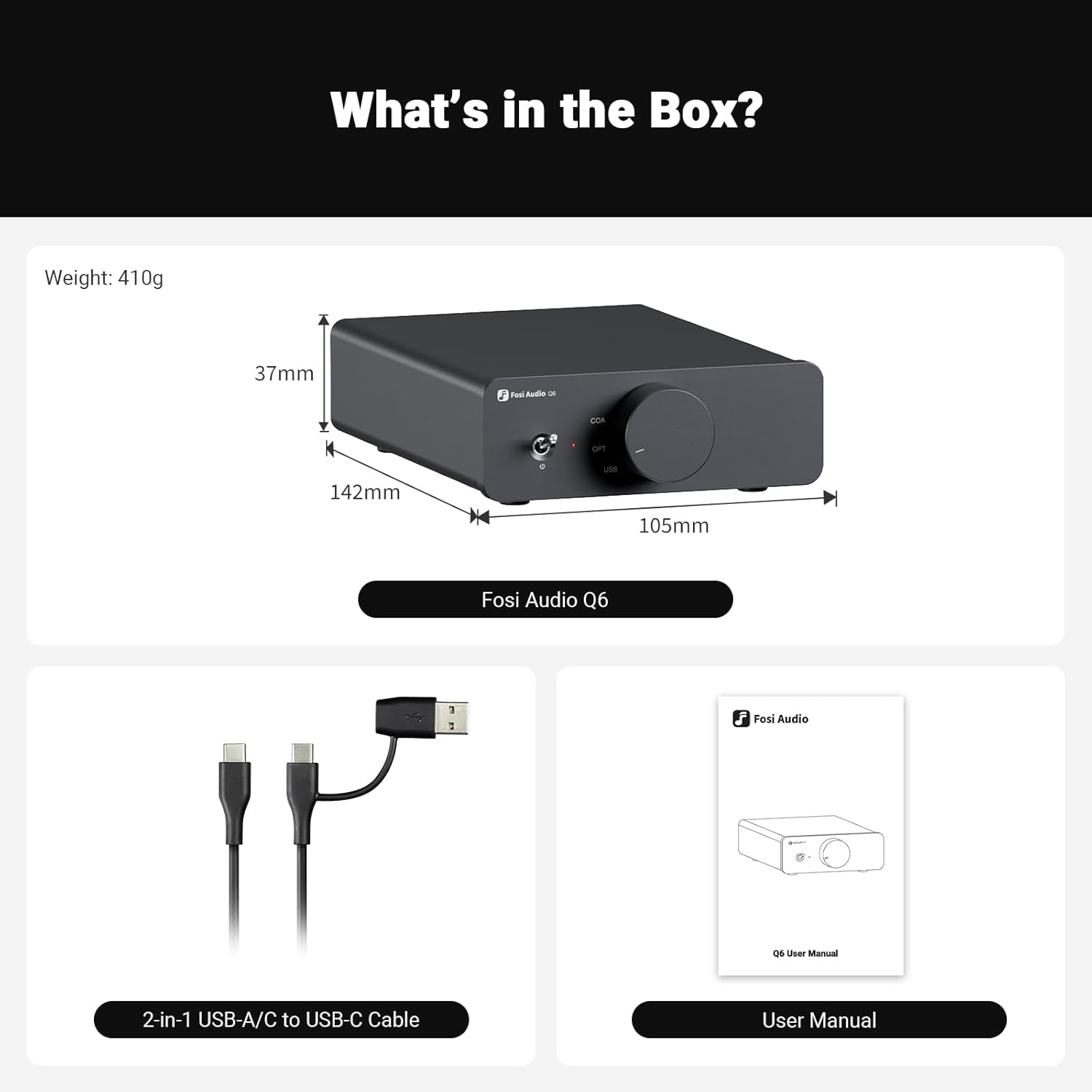
- Compact and Solid: Crafted from high-quality aluminum alloy. this compact DAC is stylish. durable. and space-saving. Its sleek profile effortlessly blends with any desktop environment. keeping your setup neat while adding a sophisticated touch
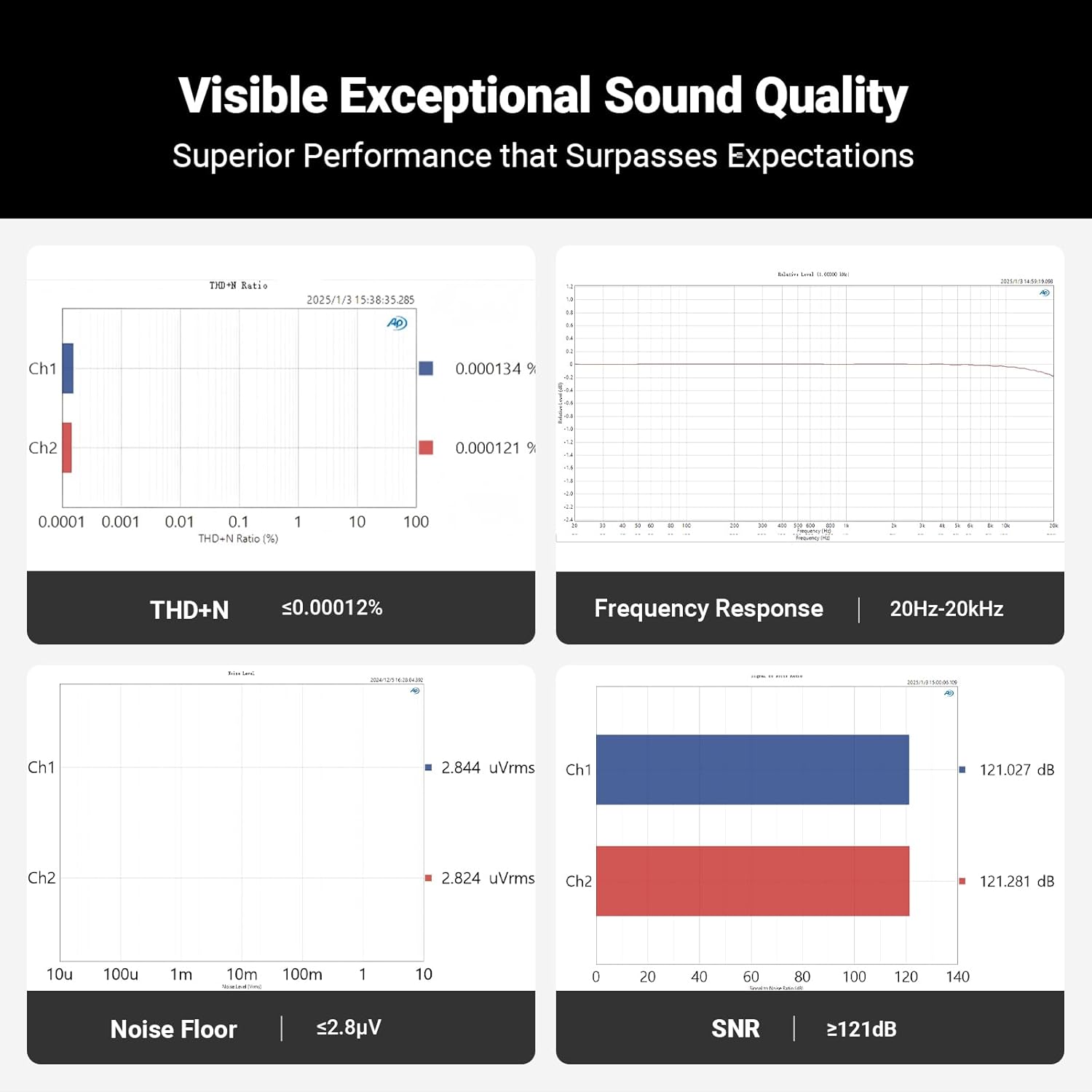
- Superior Performance: Delivers an impressive 121dB signal-to-noise ratio. ultra-low distortion of 0.00012%. and outstanding dynamic range of 121dB—matching or surpassing higher-priced DACs. putting audiophile-grade sound easily within your reach
Friendly Solutions Guide for Fosi Audio Q6
1. Check Connections & Device Compatibility:
(1) Driver Installation: Ensure your computer is running Windows 8/10/11 for plug-and-play functionality. If playing DSD files. download and install the appropriate drivers from our official website.
(2) Input Mode Selection: Verify that the input mode knob on the Q6 is set correctly to OPT. COA. or USB. matching the source you are using.
(3) Device Connection: Confirm that all cables are securely connected. Use high-quality. shielded cables for optimal performance. Ensure your power amplifier’s volume is set above the minimum level to avoid sound issues.
2. Optimize Setup & Audio Sources:
(1) Audio Quality: Play high-resolution audio formats like FLAC or WAV to enhance sound quality. Use dedicated music players or updated computers/phones for better performance.
(2) System Configuration: If you experience sound issues. ensure your TV’s audio output format is set to stereo if the Q6 does not support formats like Dolby Atmos. Check both your TV and the Q6 settings for correct input/output modes.
3. Reduce Environmental Interference: (1) Anti-Interference Cables: Use shielded RCA cables with metal connectors to minimize buzzing and interference.
(2) Troubleshoot Sources: Test the same audio source on another device.
Quick Tips: – Volume Control: Since the Q6 is a pure decoding preamplifier without a volume control. adjust the volume using your source device. For more control over bass and treble. consider pairing it with a power amplifier that has tone controls. – Subwoofer Output: The Q6 features a sub-out for connecting a powered subwoofer. If you don’t need this feature. you can still enjoy a complete audio experience without it.
Reviews
There are no reviews yet.